
DAW Gain Staging: Clean Mixes with SpectraloomApp
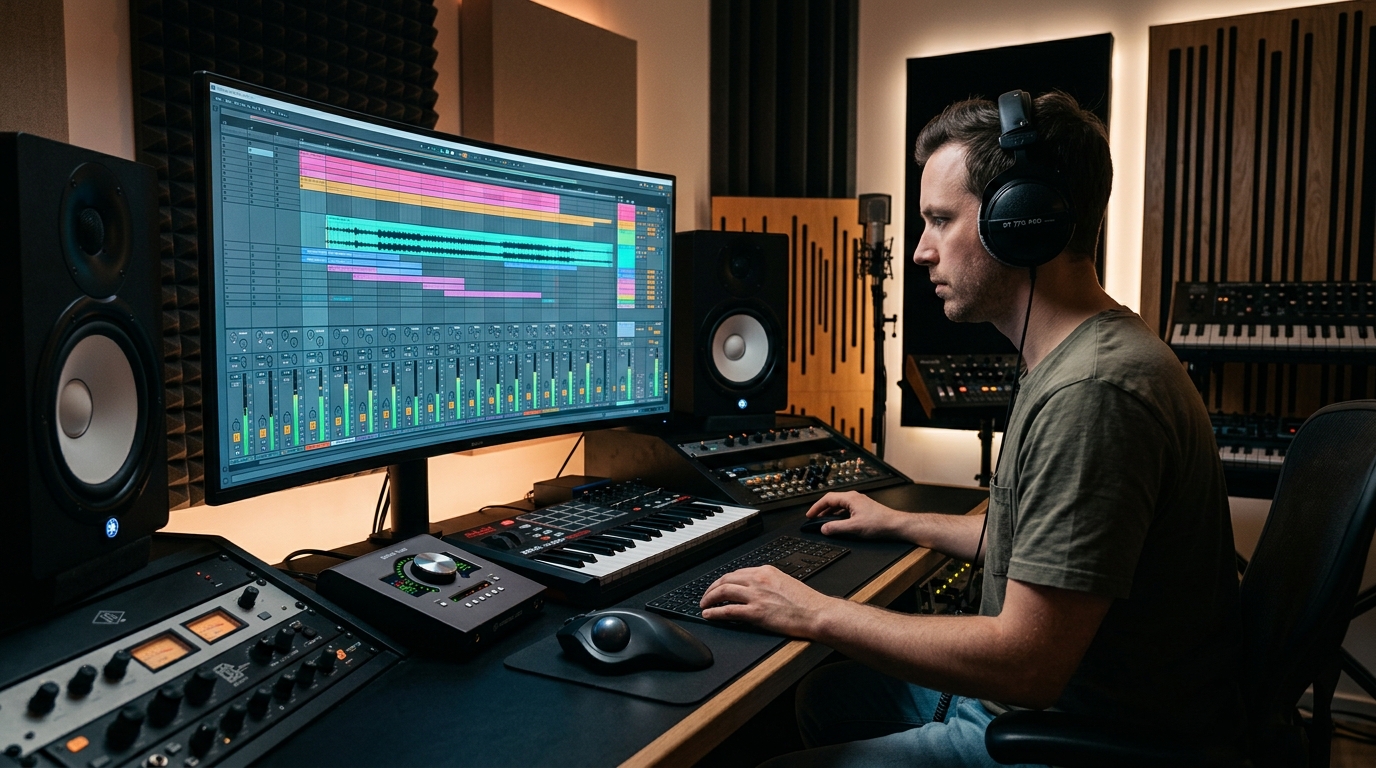
Optimizing Digital Audio Workstation Gain Staging for Pristine Mixes
Gain staging refers to the process of managing signal levels at each step of an audio chain within a Digital Audio Workstation (DAW). This critical practice ensures that the audio signal maintains an optimal amplitude, preventing distortion and maximizing the signal-to-noise ratio from input to output. Proper implementation of gain staging is fundamental for professional audio production. Effective DAW gain staging is the bedrock of a high-quality mix, directly impacting the clarity, dynamics, and overall fidelity of your tracks. It's about finding the sweet spot where the signal is strong enough to avoid noise, but not so strong that it clips or overloads any processing stage, ensuring a truly clean mix gain staging.Understanding the Core Principles of Gain Staging
At its heart, gain staging explained involves setting appropriate input and output levels for every device and plugin in your signal flow. The objective is to achieve a consistent signal level that is neither too quiet (leading to an elevated **noise floor**) nor too loud (causing **digital clipping** and distortion). This methodical approach safeguards the integrity of your audio. Poor gain staging can lead to several undesirable outcomes, including loss of dynamic range, artifacts from overloaded plugins, and an overall muddy or harsh sound. Conversely, meticulous gain management ensures that each component of your signal chain operates within its optimal performance window.Why Proper Gain Staging is Essential for a Clean Mix
The importance of correct gain staging cannot be overstated. It directly contributes to the sonic quality of your final product. By maintaining appropriate levels, you preserve the dynamic range of your recordings, allowing for more expressive and impactful mixes without the need for excessive compression or limiting. Furthermore, proper gain staging provides ample **headroom**, which is the buffer between your average signal level and the maximum possible level before clipping. This headroom is invaluable during mixing and mastering, offering space for processing and automation without encountering digital overs. It also helps prevent unwanted artifacts when using dynamic processors or saturation plugins.How to Implement Gain Staging in Your DAW
Implementing effective DAW gain staging involves a systematic approach across various stages of your production process.-
Input Levels: Begin by recording signals at healthy but not clipping levels. Aim for peaks around -6 dBFS to -10 dBFS in your DAW's input meters. This provides sufficient headroom for initial processing.
-
Channel Gain/Trim: After recording, adjust the gain of each track so that its peak levels fall within a consistent range, typically -18 dBFS to -12 dBFS (or even lower for more headroom). Use pre-fader metering to ensure that the input to any plugins is at an appropriate level, independent of the channel fader position.
-
Plugin Management: Every plugin, from EQ to compression, can alter signal levels. It's crucial to ensure that the output of one plugin does not overload the input of the next. Many plugins have input and output gain controls; use these to maintain consistent levels. Unity gain through plugins is often a good starting point, meaning the output level roughly matches the input.
-
Bus and Group Levels: When routing multiple tracks to a bus or group, their combined signal can increase significantly. Adjust the gain of the bus channel itself or the individual sends to maintain healthy levels before further processing on the bus.
-
Master Bus: The final stage before mastering is the master bus. Ensure that your mix, without any master bus processing, peaks at around -6 dBFS. This leaves crucial headroom for the mastering engineer or for your own mastering chain. For deeper insights into managing master bus levels, consider understanding professional loudness for streaming with Spectraloom.
Tools and Techniques for Effective Gain Staging
Several tools within your DAW can assist with precise gain staging.-
Metering: Use various meters to monitor your levels. Peak meters show instantaneous maximums, while RMS or VU meters provide a better indication of perceived loudness. Many DAWs, including SpectraloomApp, offer comprehensive metering options. Understanding these can greatly enhance your ability to maintain consistent levels, as explored in understanding metering tools in SpectraloomApp.
-
Utility Plugins: Most DAWs offer simple gain or trim plugins. Insert these at the beginning or end of your plugin chain on a track to precisely adjust levels without affecting other parameters. This is particularly useful for compensating for level changes introduced by other processors.
-
Reference Tracks: Employing reference tracks in your mix can help you benchmark your levels and ensure your mix maintains a competitive loudness while still adhering to good gain staging practices. This is a valuable technique for clean mix gain staging and overall mix quality.
Gain Staging with SpectraloomApp
SpectraloomApp provides intuitive tools to facilitate excellent gain staging throughout your production workflow. Its precise meters, flexible routing options, and high-quality utility plugins empower producers and musicians to manage their signal levels with confidence. By leveraging the comprehensive environment of Spectraloom, users can achieve pristine audio quality and build robust, dynamic mixes from the ground up. Whether you are tracking, mixing, or preparing for mastering, Spectraloom’s architecture supports meticulous level management at every turn.Frequently Asked Questions About Gain Staging
What is the primary goal of gain staging in a DAW?
The primary goal of gain staging is to maintain an optimal signal level throughout the audio signal path, preventing unwanted noise, distortion, and digital clipping, while preserving dynamic range and providing sufficient headroom for subsequent processing.
What are the consequences of poor gain staging?
Poor gain staging can lead to issues such as increased noise floor, digital clipping, harsh-sounding mixes, overloaded plugins causing undesirable artifacts, and a reduction in the overall dynamic range and clarity of the audio.
How does SpectraloomApp assist with effective gain staging?
SpectraloomApp assists with effective gain staging through its comprehensive and precise metering tools, flexible routing capabilities, and a suite of high-quality utility plugins that allow users to accurately monitor and adjust signal levels at every stage of their production.

Spectraloom Staff
The texts and all content on this blog are generated with the assistance of AI.