
Studio Monitor Optimization for Precise Mixes
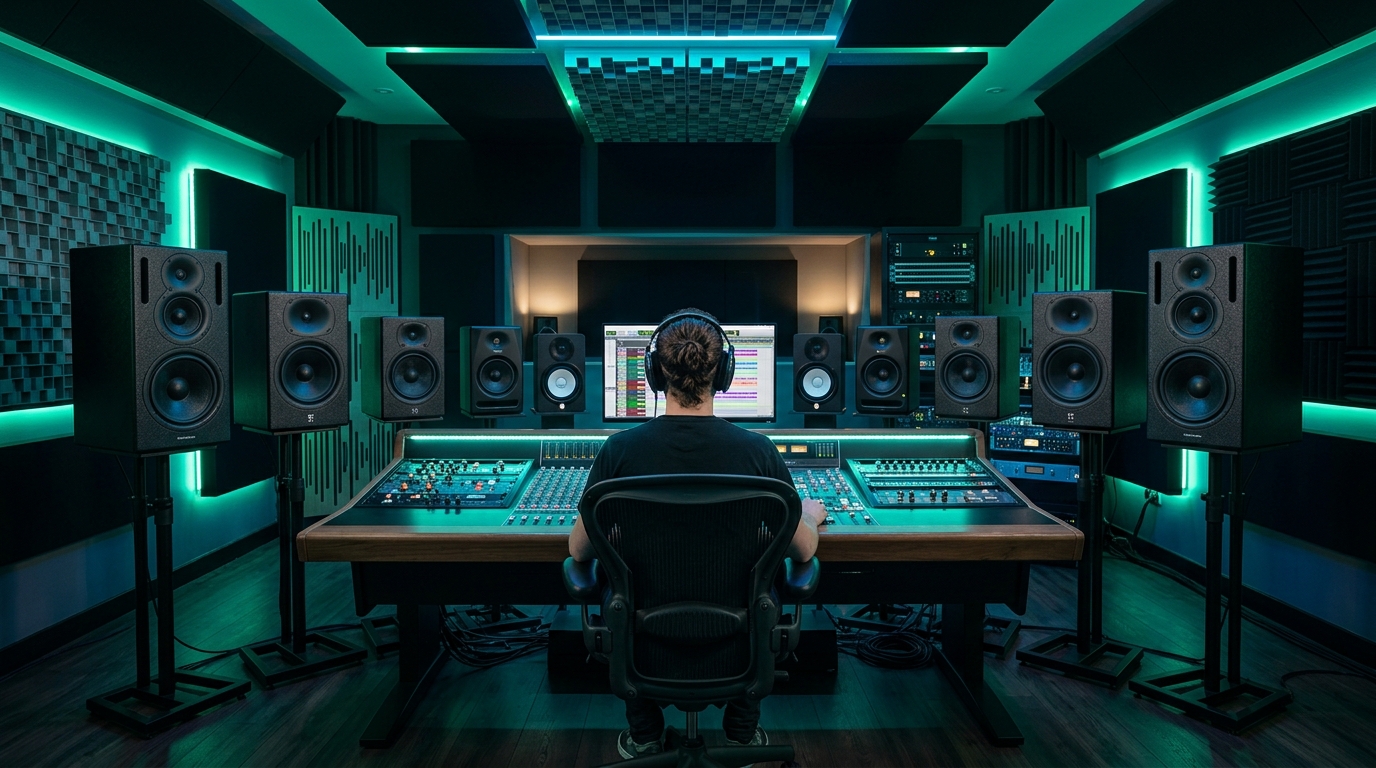
Achieving Unparalleled Sonic Accuracy Through Expert Studio Monitor Optimization
Studio monitor optimization is a critical process for any audio professional aiming to produce precise and reliable mixes. It involves meticulously setting up, calibrating, and acoustically treating a monitoring environment to ensure the speakers deliver the most accurate representation of audio possible. This meticulous approach is fundamental, as the quality of your mixes directly depends on the integrity of your listening setup. Without a properly optimized monitoring chain, engineers and producers risk making incorrect mixing decisions, leading to translation issues across different playback systems. Investing time in perfecting your monitoring environment is arguably the most impactful step toward elevating the overall quality of your productions and achieving professional-grade audio.Establishing the Ideal Studio Monitor Setup and Listening Environment
The foundation of any effective monitoring system begins with an impeccable **studio monitor setup**. Proper placement is paramount for achieving a balanced stereo image and accurate frequency response. Monitors should ideally form an equilateral triangle with the listener's head, ensuring that each speaker is equidistant from the listener and from each other. The tweeters should be at ear height, and the speakers angled directly towards the listening position. Beyond placement, addressing the acoustic characteristics of your room is vital. Uncontrolled **studio room reverb** and reflections can severely distort your perception of the mix, leading to an inaccurate representation of stereo imaging, frequency balance, and transient response. Identifying and treating early reflection points on side walls, the ceiling, and the rear wall with absorption panels is crucial. Bass traps are also indispensable for managing low-frequency build-up, which often plagues untreated rectangular rooms and can mask crucial bass information.- Place monitors symmetrically within the room and at least 20-30cm from walls to minimize boundary interference.
- Utilize monitor isolation pads or stands to decouple speakers from your desk, preventing unwanted vibrations and improving low-end clarity.
- Implement acoustic treatment strategically to control **first reflections** and mitigate excessive reverberation.
Precision Through Studio Monitor Calibration Techniques
Once the physical setup and basic acoustic treatment are in place, the next crucial step is **studio monitor calibration**. This process involves using specialized software and a measurement microphone to analyze your room's acoustic anomalies and then apply corrective EQ to flatten the system's frequency response at the listening position. This ensures that what you hear from your studio monitors is as neutral and uncolored as possible. Advanced **room correction software**, such as Sonarworks SoundID Reference or IK Multimedia ARC, plays a significant role in this stage. These tools measure the room's frequency deviations and phase issues, generating a correction profile that can be loaded into a plugin or hardware unit. This digital compensation helps to counteract the inherent imperfections of any listening space, providing a more reliable sonic canvas.- Invest in a dedicated **measurement microphone** designed for accurate acoustic analysis.
- Regularly run room analysis software to account for any changes in the listening environment.
- Consider hardware-based room correction systems integrated into audio interfaces for a comprehensive solution.
Advanced Strategies to Improve Studio Sound Quality
To genuinely **improve studio sound quality**, one must look beyond basic setup and calibration. Continuous learning and critical listening are indispensable. Regularly referencing professional mixes on your optimized system helps train your ears to identify nuances and common characteristics of well-produced audio. Additionally, maintaining a consistent listening environment is key; avoid making significant changes to your room layout or monitor placement after calibration. Another aspect of this `studio monitor guide` involves understanding the limitations of your gear and room. Even with extensive `studio monitor optimization`, no room is perfectly neutral. Developing the skill of translating your mixes across various playback systems becomes paramount. For deeper insights into advanced acoustic design principles, consider exploring detailed articles on professional studio acoustics.- Practice **critical listening** exercises regularly to sharpen your ear for frequency balance, stereo imaging, and dynamics.
- Consider the use of high-quality digital-to-analog converters (DACs) to ensure the cleanest possible signal chain to your monitors.
- Regularly clean your monitors and ensure all cables are in good condition to prevent signal degradation.
How often should I calibrate my studio monitors?
It is recommended to calibrate your studio monitors whenever there are significant changes to your room's layout, speaker placement, or listening position. For stable environments, a re-calibration every 6-12 months can help maintain optimal accuracy.
What is the significance of the equilateral triangle setup?
The equilateral triangle setup ensures that both monitors are an equal distance from the listener and from each other, creating a balanced and accurate stereo image. This symmetry is crucial for perceiving depth, width, and accurate panning information in a mix.
Can basic acoustic treatment significantly improve studio sound quality?
Yes, even basic acoustic treatment, such as strategically placed absorption panels and bass traps, can dramatically improve studio sound quality. It helps to control problematic reflections and low-frequency issues, leading to clearer, more defined audio reproduction and a more reliable mixing environment.

Spectraloom Staff
The texts and all content on this blog are generated with the assistance of AI.